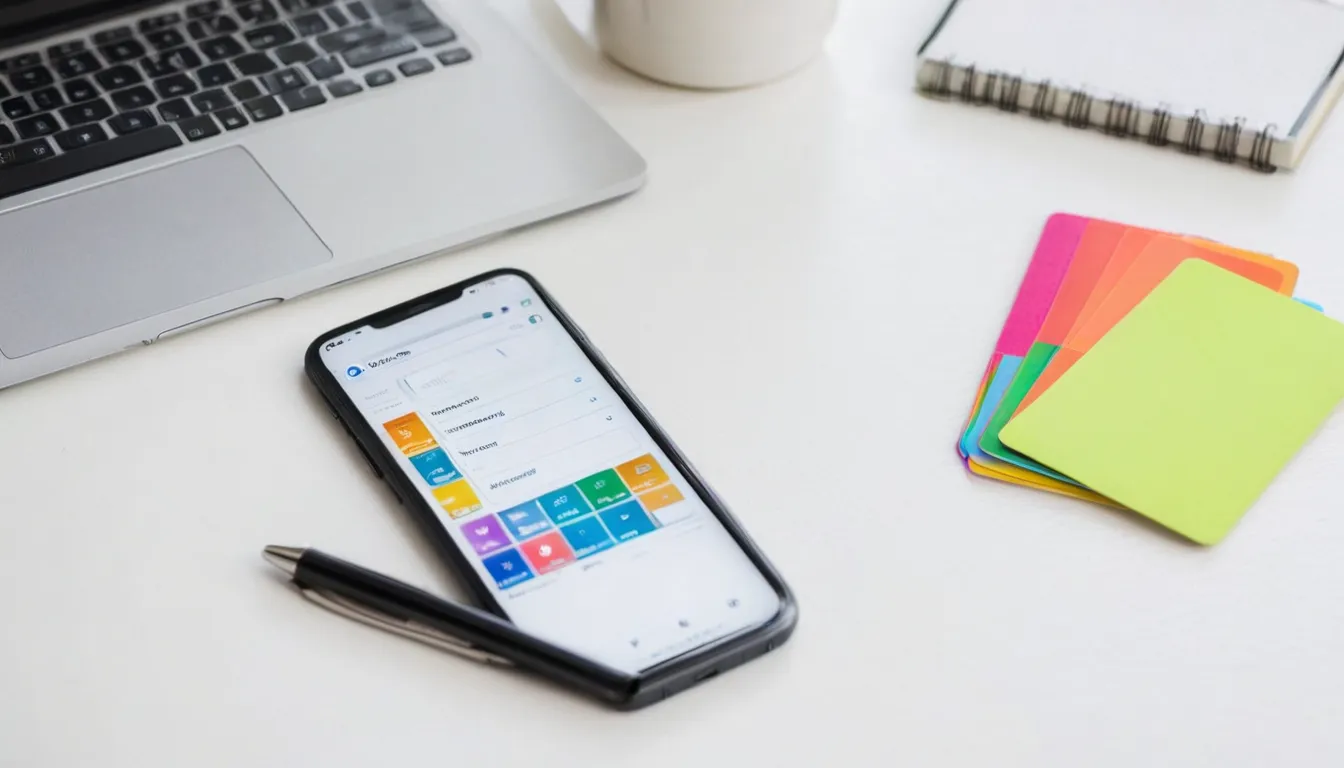
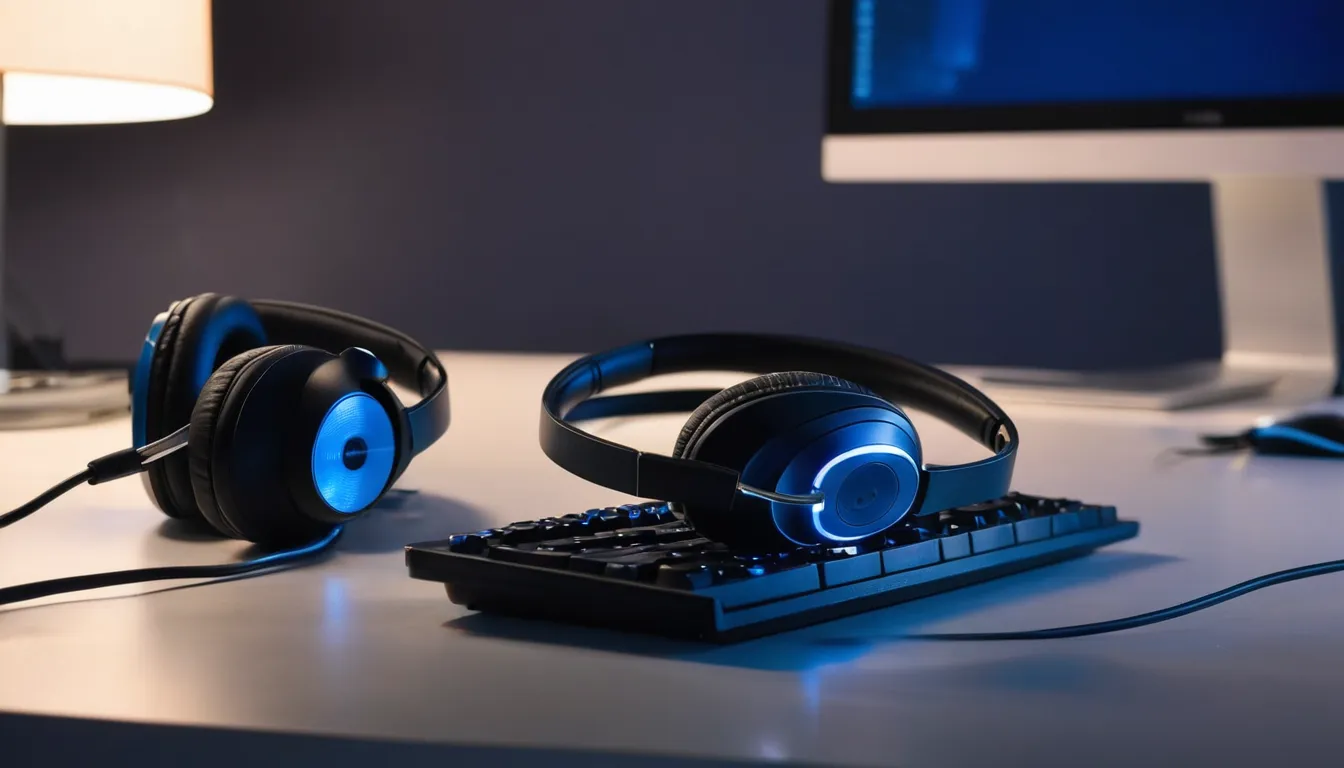
The stills show the kind of setups demo videos come from. They were made with an AI image model for this site. None of them is from a client project.
AI-generated sample stills
These images were made with an AI image model to show the look and finish of the work we deliver. They are samples, not client projects, and nothing on the screens comes from a real product.
AI-generated sampleLaptop on a desk showing a software dashboard with charts. Made with an AI image model for this site; not a client project.AI-generated sampleCondenser microphone on a desk arm beside a laptop in a home office. Made with an AI image model for this site; not a client project.AI-generated sampleEditing workstation with two monitors showing an app and a video editor. Made with an AI image model for this site; not a client project.AI-generated sampleTablet on a stand showing an app screen next to a keyboard. Made with an AI image model for this site; not a client project.AI-generated sampleSmartphone on a desk showing a mobile app screen beside a notebook. Made with an AI image model for this site; not a client project.AI-generated sampleHeadphones and a mouse beside a keyboard in front of a glowing monitor. Made with an AI image model for this site; not a client project.
About these images. Every still on this page was made with an AI image model, and the callout frames below are illustrations drawn for this site. We don't publish client work without written permission.
Callout styles
Most demos use a mix of three ways to point at something. Each frame below is a concept drawn on a generic app screen.
Concept frame, not client workZoom insetA magnified copy of a small button or menu, held long enough to read, then eased back to full screen.Concept frame, not client workSpotlightThe rest of the screen dims so one panel carries the line being spoken.Concept frame, not client workClick pathNumbered pins and a smoothed cursor path show the order of clicks in a multi-step task.
Picking a style
Zoom insets suit small controls and dense dashboards. A spotlight suits a screen with several panels where only one matters. A numbered click path suits tasks with several steps, especially in tutorials where viewers pause and copy along. Send links to two or three demos you like, from any company, and we'll match the pace and callout look, then apply your colors and fonts.
Have a screen recording that needs work? Tell us what the product does, who the video is for, and where it will be shown.